Android: now on Google Play
IGP Fährten for Android is now on the Play Store – for the time being as a closed test. Anyone with an Android phone and a Google account can join.
How to install the app
-
Open the test group, sign in with the Google account on your phone and tap “Join group” at the top next to “igp-faehrten”.
Join the test group
If Google shows “You are not a member of any groups yet” after signing in: simply open the test group link again.
Or by email: send an empty email from your Gmail address (the one on your phone) to igp-faehrten+subscribe@googlegroups.com and tap the confirmation link in Google’s reply. -
Then open the app on Google Play, tap “Become a tester” if shown, and install it.
Install from Google Play“App not found” or “Item not found”? That’s normal right after joining: Google often needs 15 to 30 minutes, sometimes a few hours, before the link works for you. Please don’t give up – just open the link again a bit later. Still not working? In the Play Store, tap your profile picture at the top right and check that the active Google account is the one you used to join the group. If that doesn’t help either, drop us a line – we’re happy to help. - Open the app and log in with your igptraining.de account (or sign up in the app). Allow location and notifications so recording keeps running with the screen off.
Please stay in the test for at least 14 days and don’t uninstall the app during that time – Google only releases it to everyone once enough testers have taken part for that long.
Used the APK from this page so far?
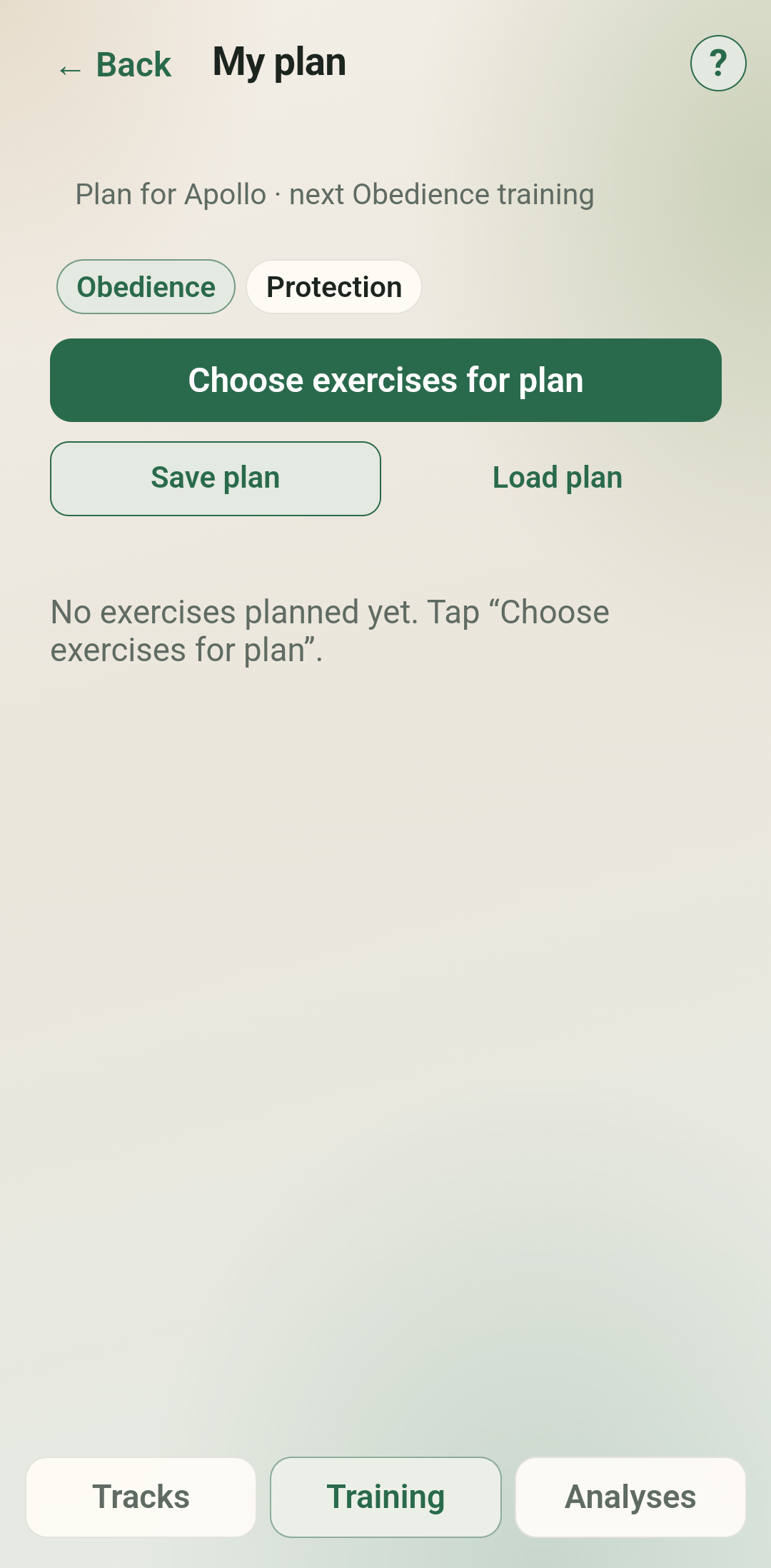
- Open the old app once while online so “My plan” is transferred to your account.
- Once Google Play shows the app, uninstall the old app – the Play Store version cannot be installed over it.
- Then install from Google Play as described above and log in. Tracks, dogs and settings are stored in your account, nothing is lost.
From now on, updates arrive automatically through the Play Store. The APK on this page is no longer updated.
iPhone? IGP Fährten is available for free on the App Store.
Questions or feedback? Send a DM on Instagram to @igptraining.de (keyword “App beta”).
Why a native app after all?
For a long time igptraining.de was deliberately a web app / PWA only – with a focus on privacy and German servers. It remains the full platform: training diary, network, appointments, dashboard and much more.
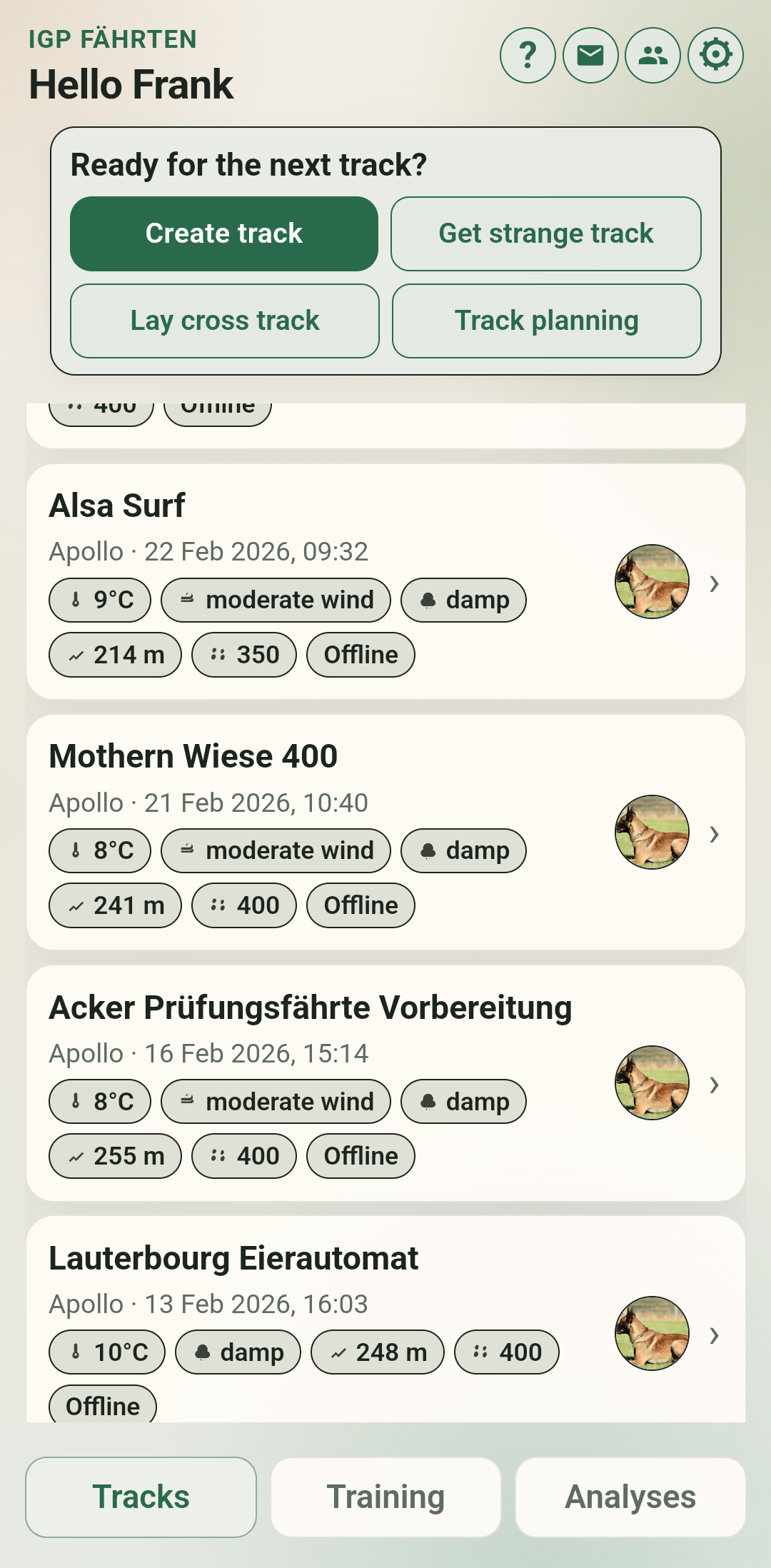
For laying and following tracks we need reliable GPS, background location and cues on the go. The browser PWA can only do this to a limited extent. That is why there is also the native app IGP Fährten – with the same login as here.
What the app does – and what stays on the website
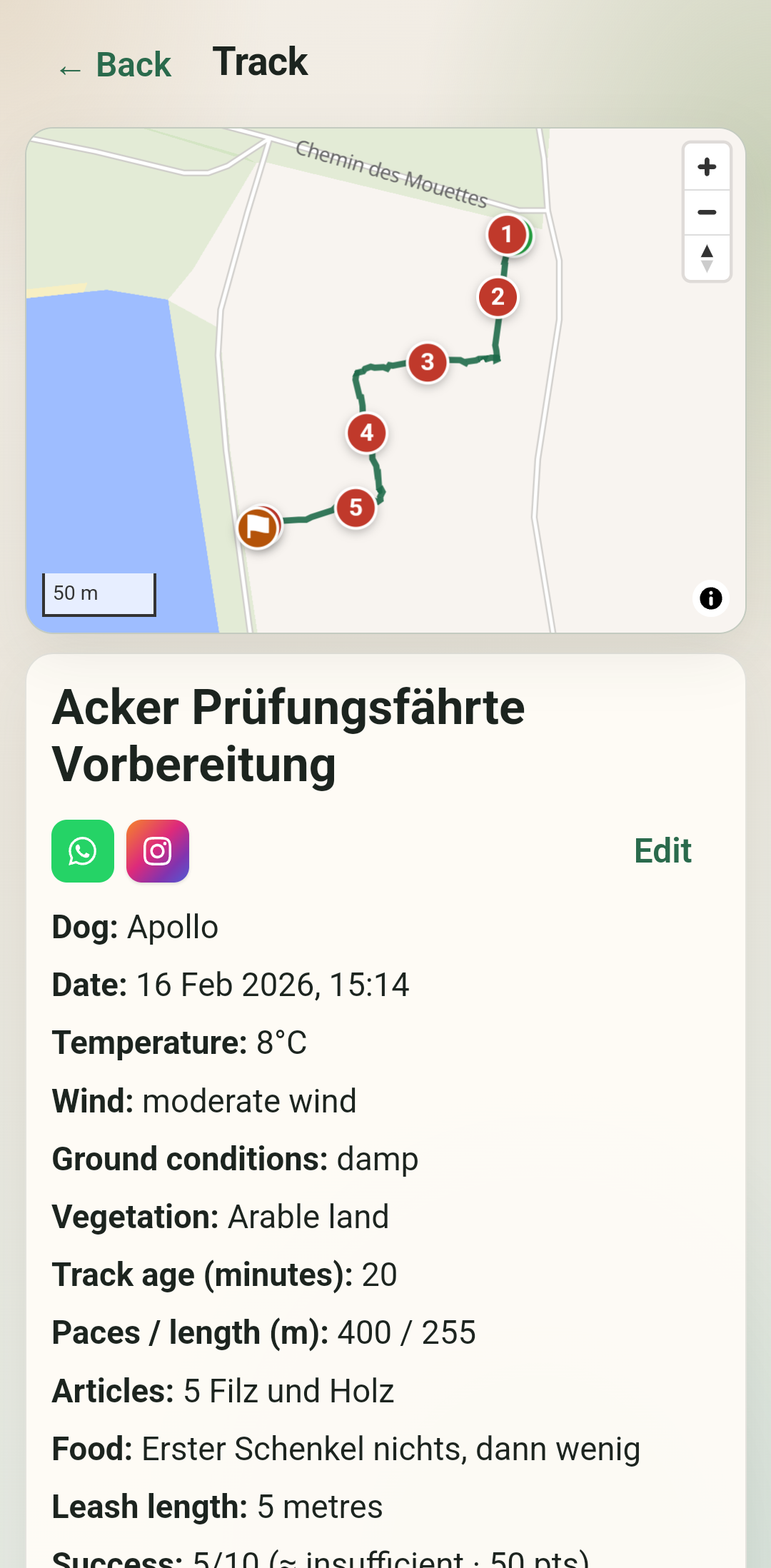
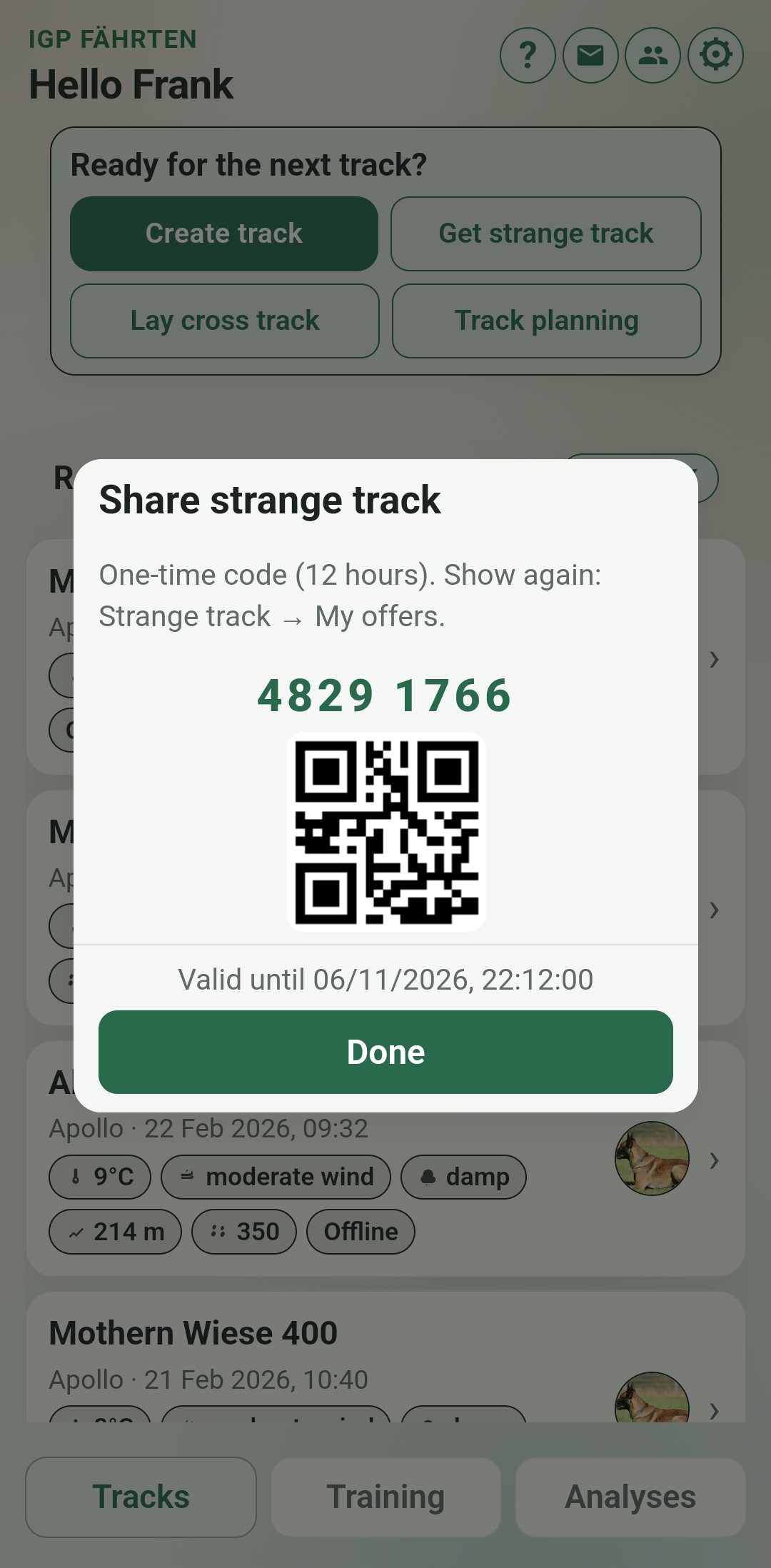
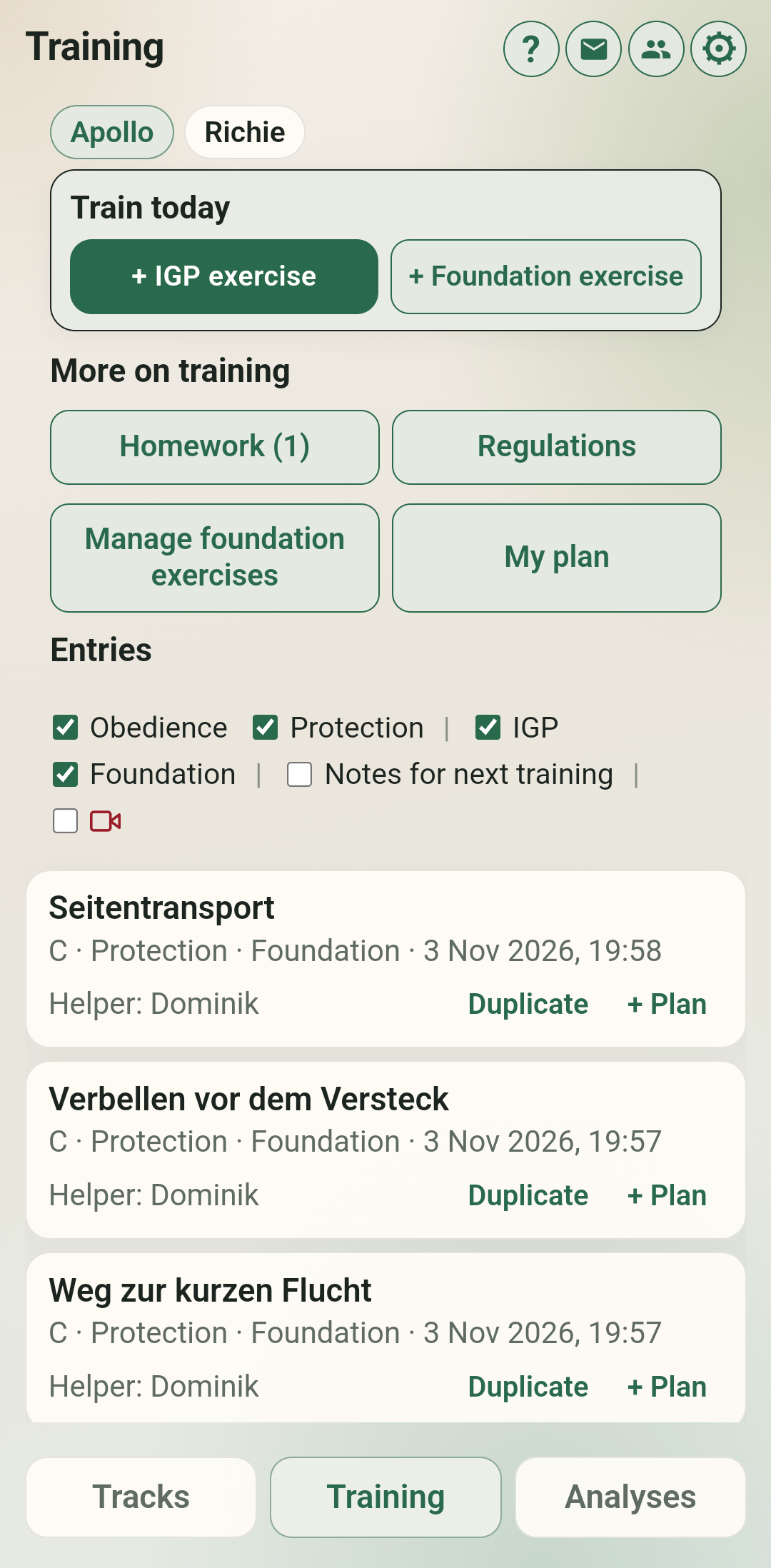
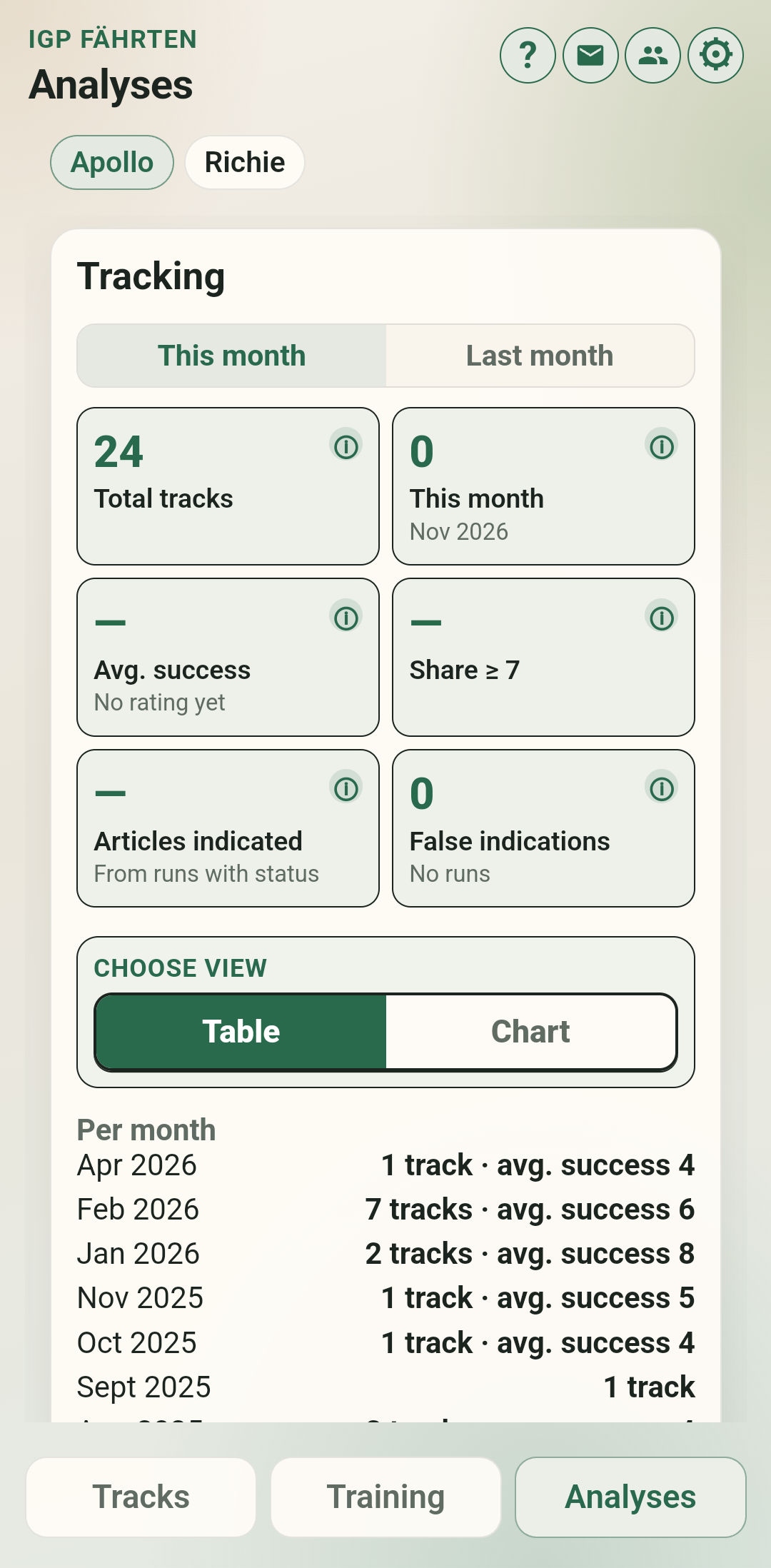
In the app (focus on tracking work):
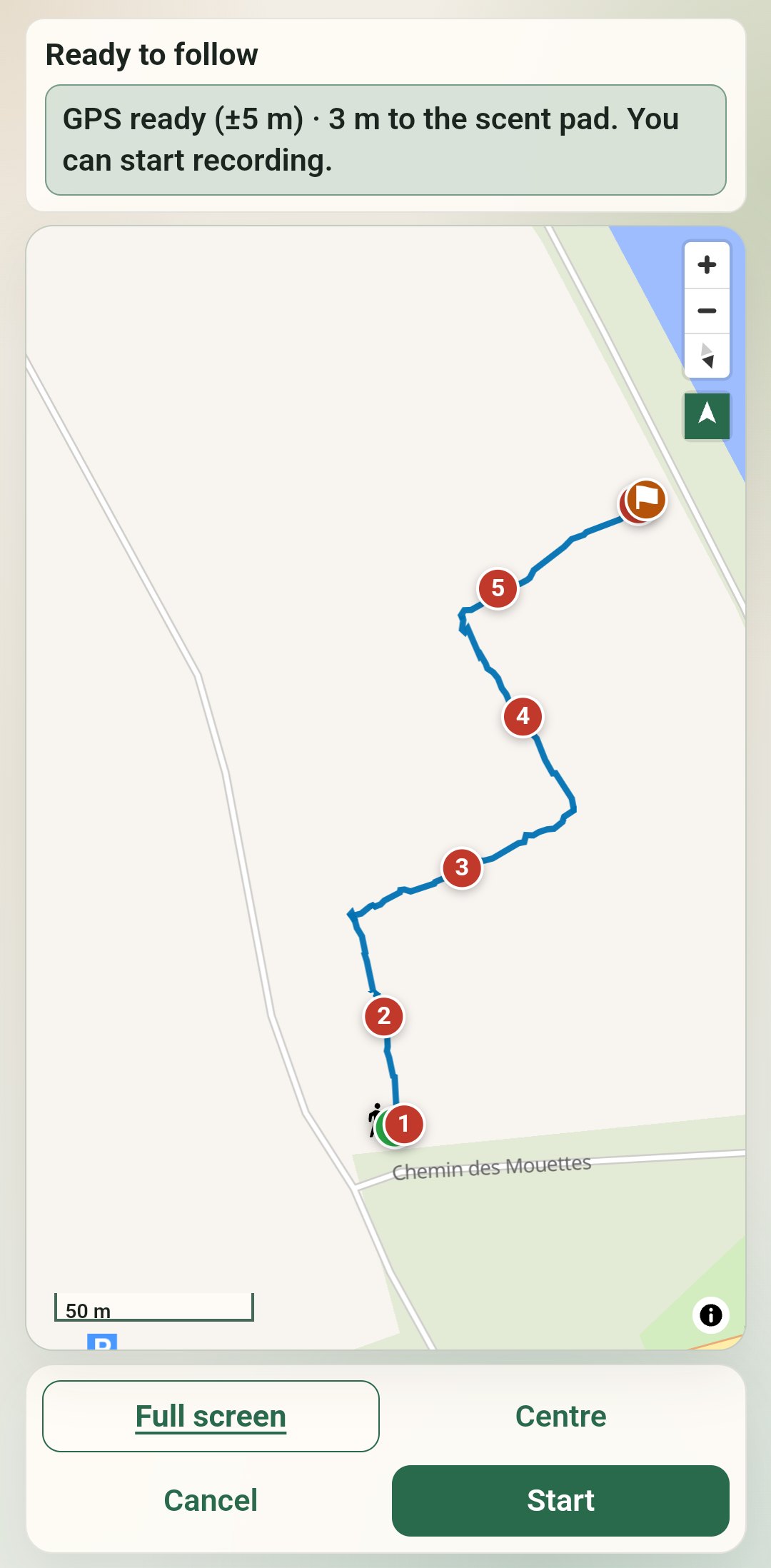
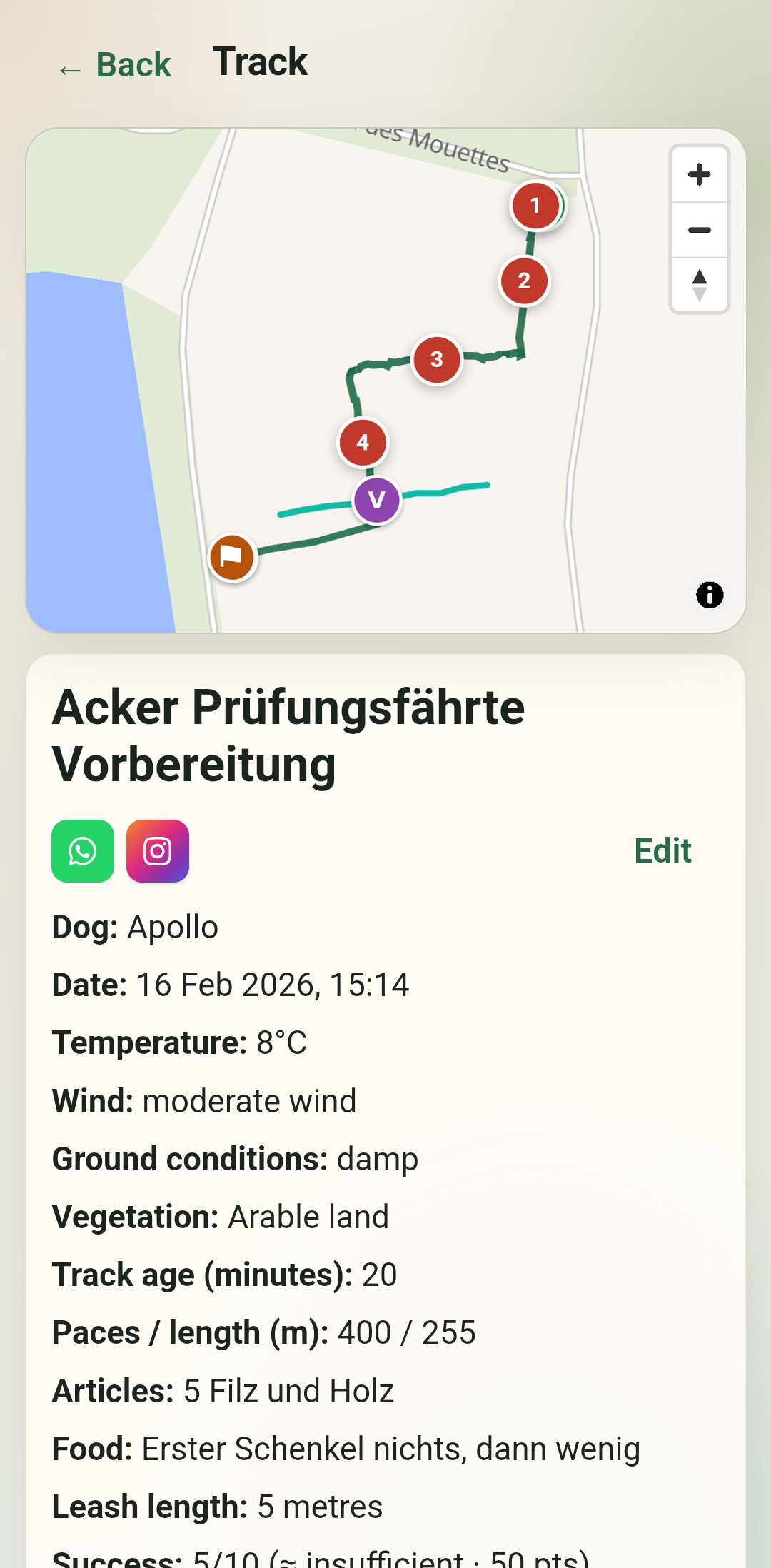
- Lay and follow tracks (GPS, scent pad, articles, cross tracks, corners)
- Vibration and voice cues while following / watching live
- Live Share: share your position in real time via a link
- Offline recording with later sync; GPX/KML export
- Optional pace estimate while laying (adjustable pace length)
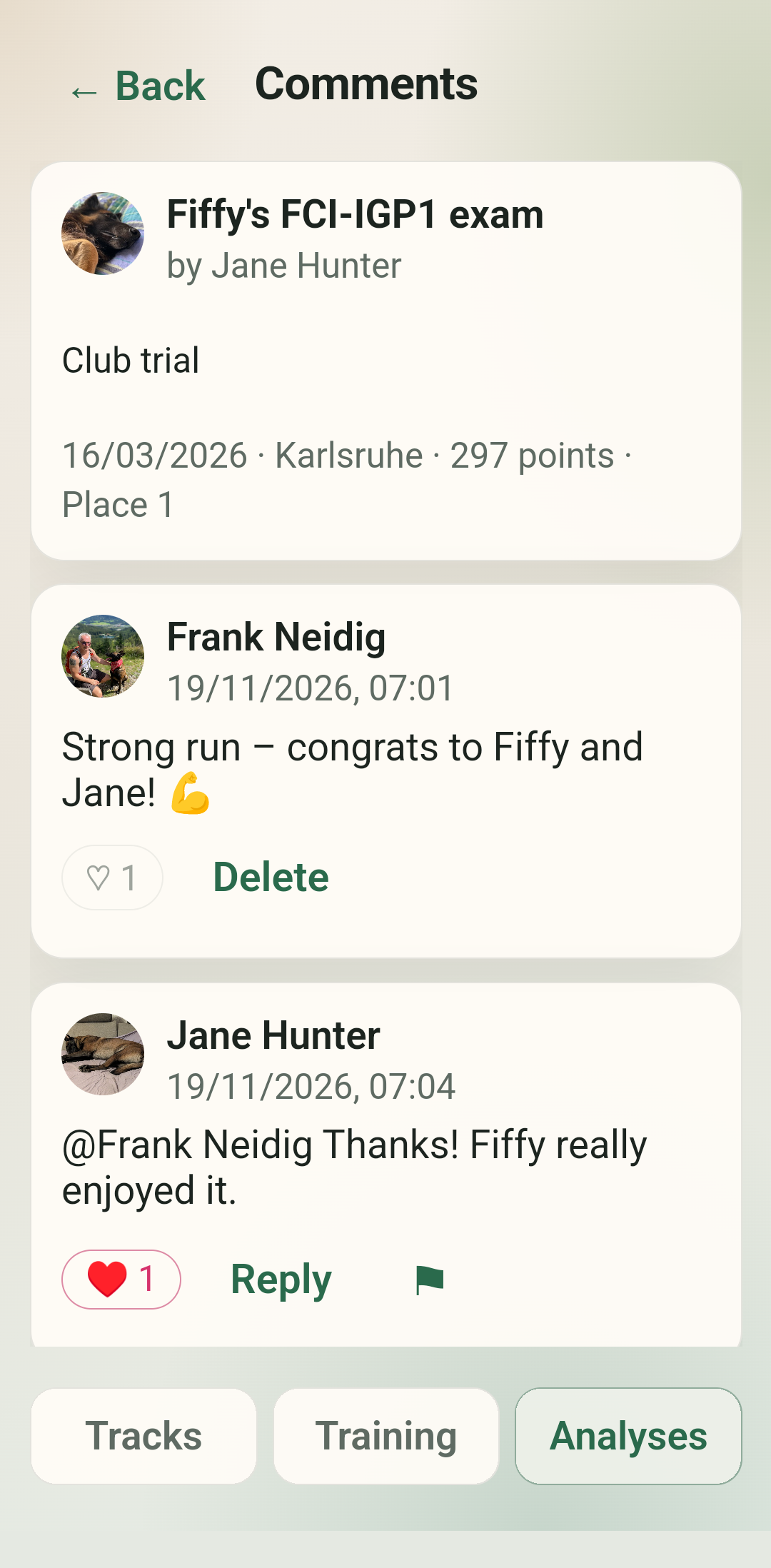
- Optional: training diary (obedience / protection) as a tab
- Rain mode: lay and follow in the wet with the volume buttons, screen locked – add details later when dry
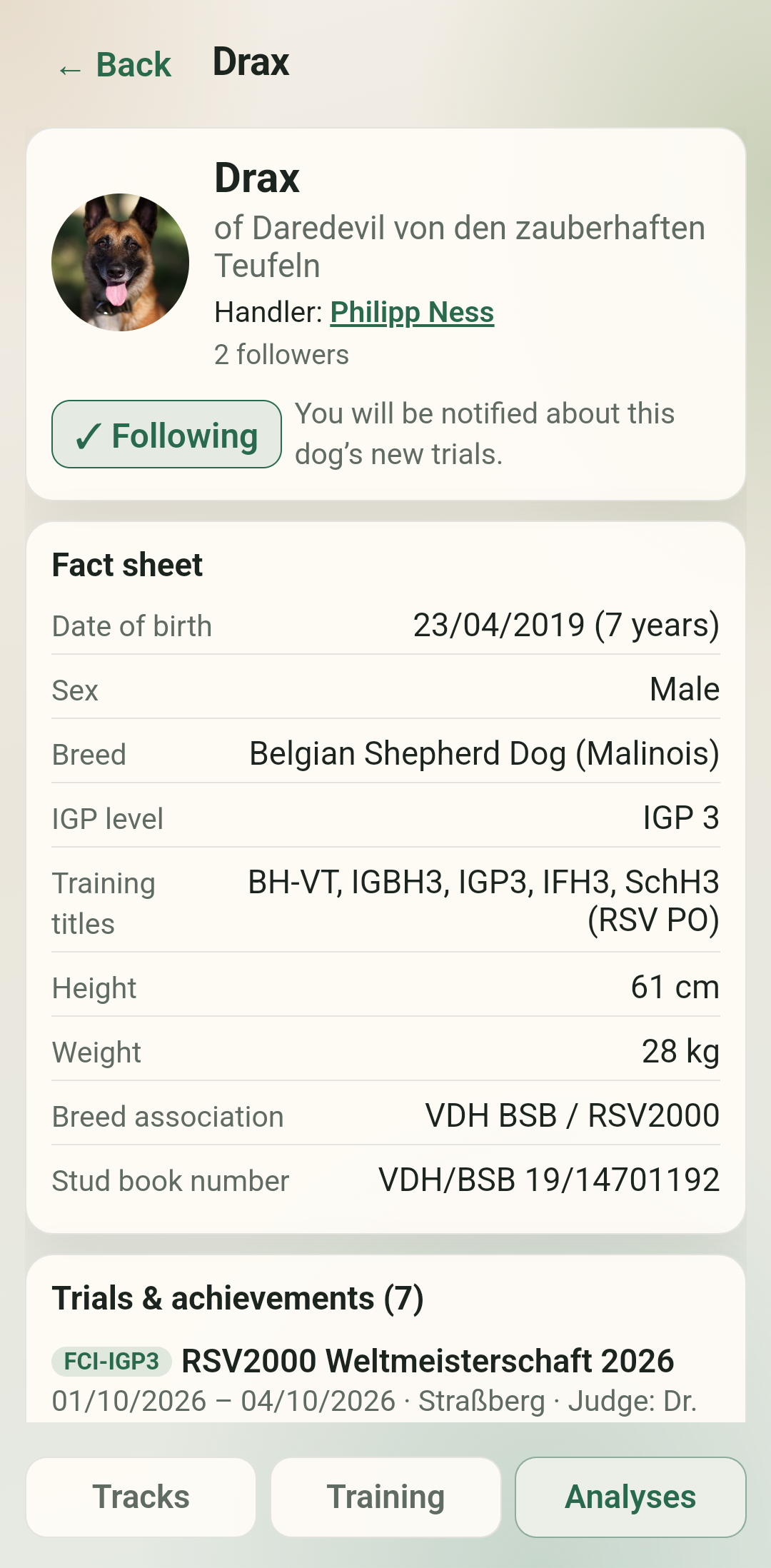
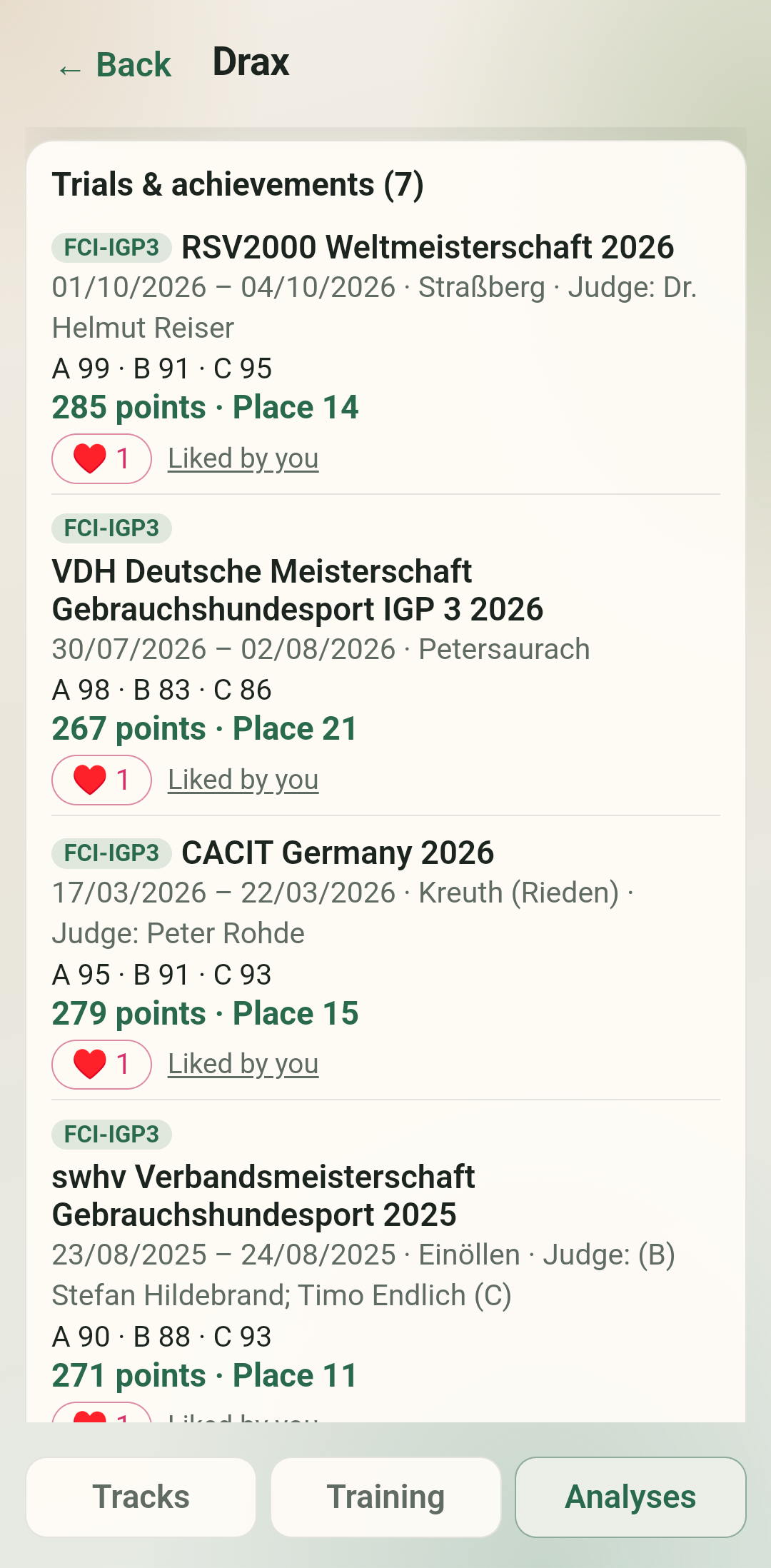
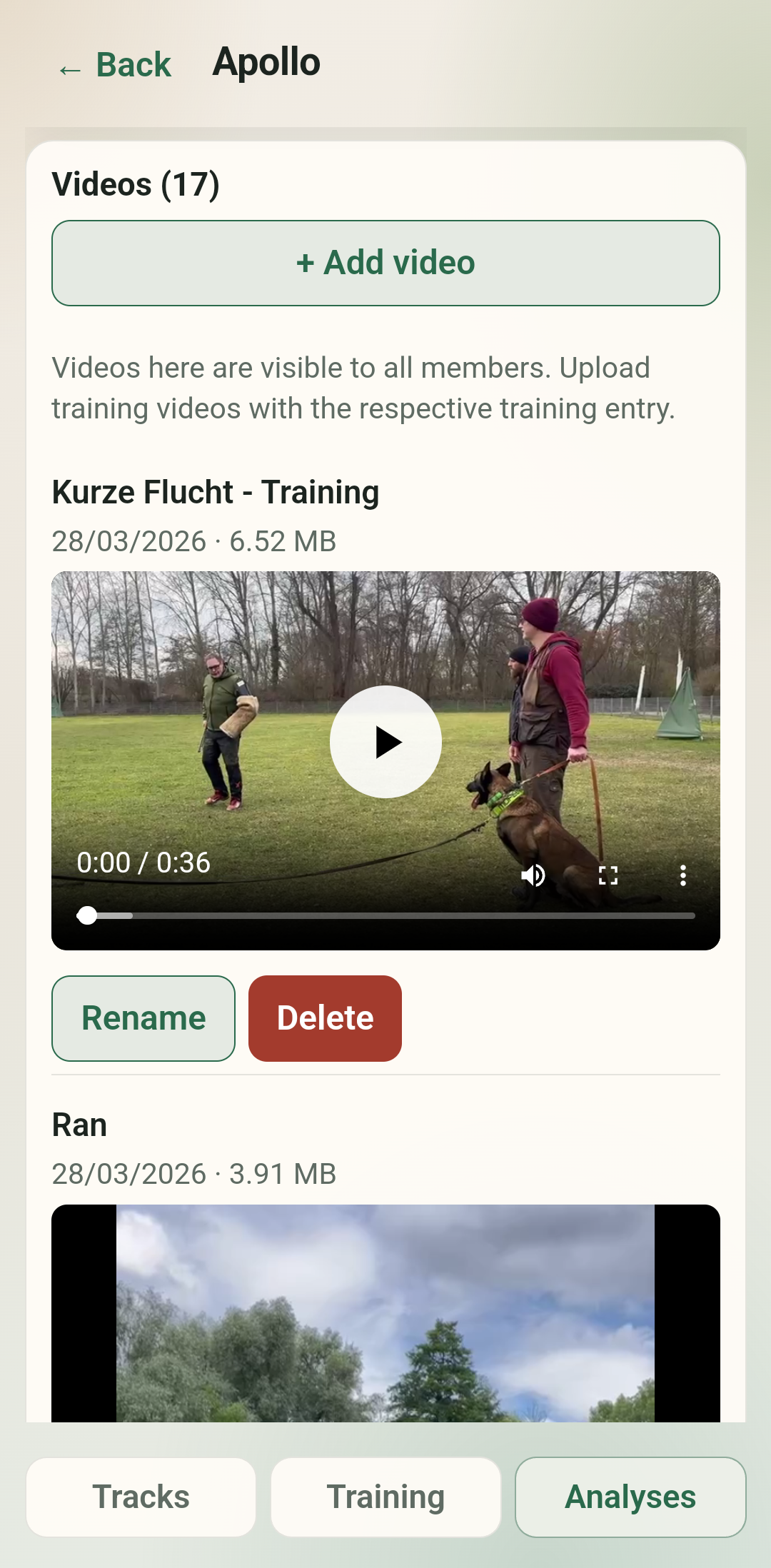
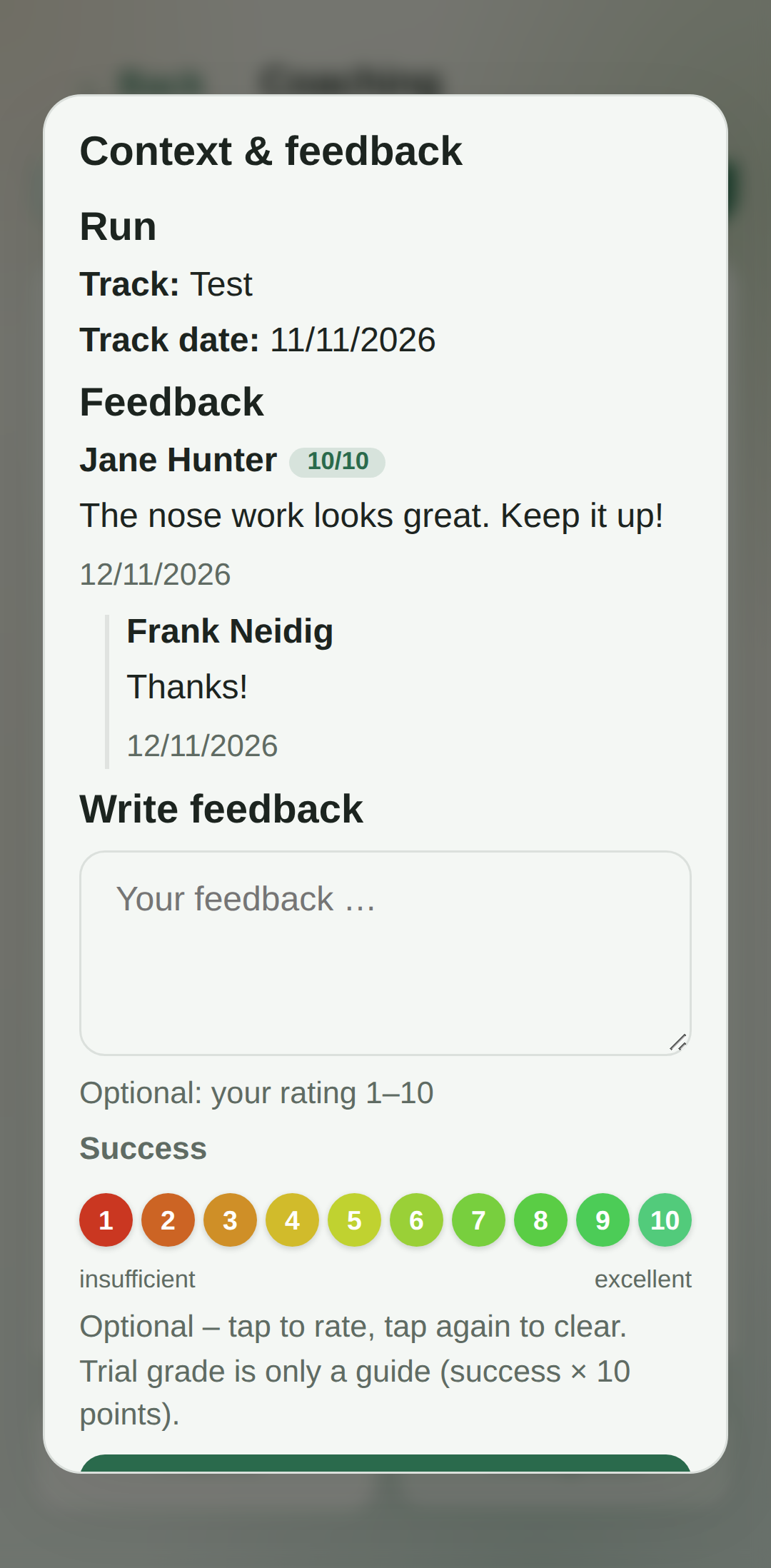
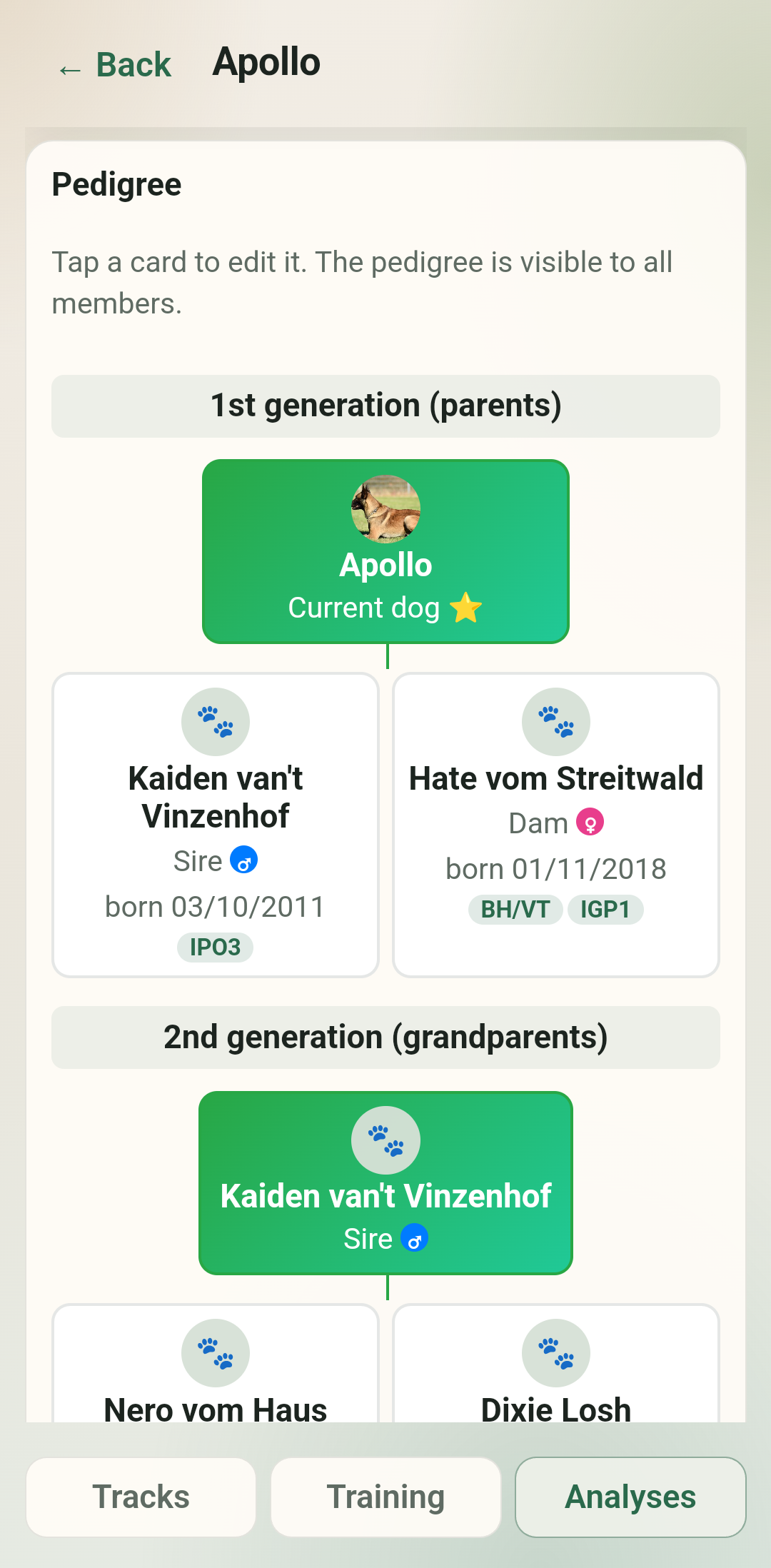
- On the website: community, appointments, dashboard, adding dogs, level and profile picture – and everything else on the platform.
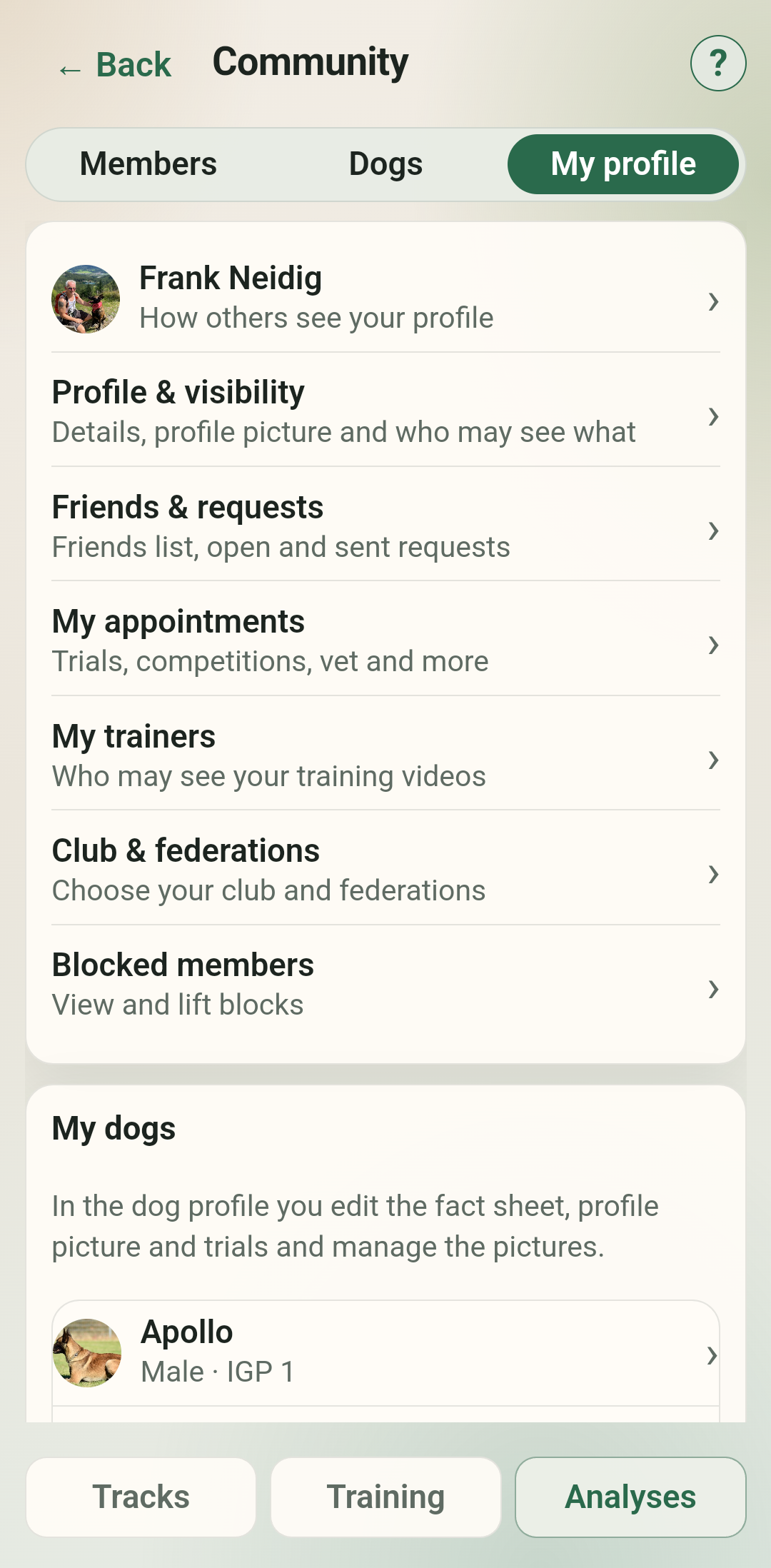
- You keep managing dogs & profile on igptraining.de; the app uses the same data and the same login.
Privacy remains our guiding principle
This is not a break with our previous approach, but an addition for tracking work:
- Servers in Germany – saved tracks and account data stay on igptraining.de (GDPR).
- Only what is needed is stored locally – e.g. login token and offline cache for tracks; no analytics, advertising or tracking SDKs in the app.
- Backup deliberately restricted – sensitive app data is excluded from cloud/device backups as far as technically possible.
- Delete your account centrally via the app or the website – this applies to the whole platform.
The website / PWA stays
For the Trainingboard in the browser we still recommend adding igptraining.de to your home screen (PWA). That gives you an icon and full screen – and the native app fills in where the browser reaches its limits.
How it works (PWA):
- iPhone/iPad: Safari → Share button → “Add to Home Screen”
- Android: Chrome → menu (⋮) → “Add to Home screen”
Questions?
Questions about the app, privacy or the beta? Send a DM on Instagram to @igptraining.de – transparency matters to us.